Prompt-first creation
Start with a simple description, then shape AI try-on visuals with references, model choices, and clear generation settings.
Annual plans 50% off for tryon.fast launch week.
Create virtual try-on images and fashion videos from model photos, garments, and outfit references for previews.
AI Try-On Generator is an AI try-on generator for outfit previews, fashion references, model images, and try-on videos. Use source images and examples to explore looks quickly.
Start with a simple description, then shape AI try-on visuals with references, model choices, and clear generation settings.
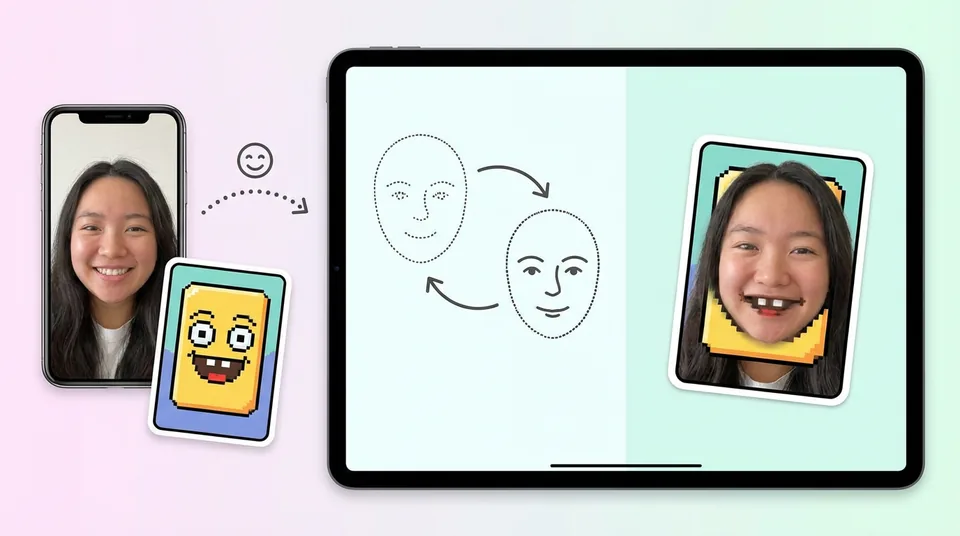
Upload images, video, or source material when the result needs to follow a face, product, outfit, scene, or style direction.
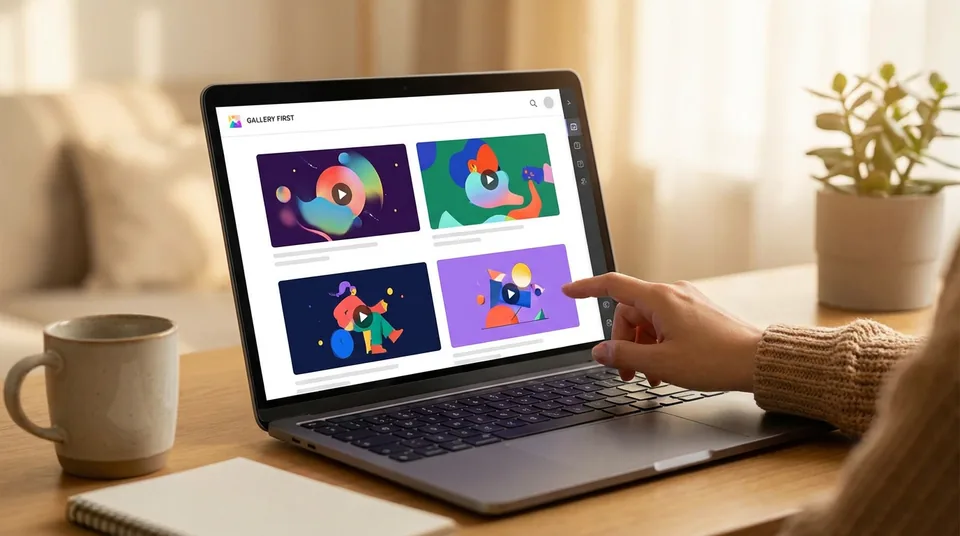
Use the inspiration gallery to see what works before writing your own prompt from a blank page.
Check the estimated credit cost before each generation so experiments stay intentional.
Open an example, inspect the prompt and media, then adapt it for your own output.
Keep prompts, uploads, references, and generation actions close together in one focused workspace.
AI Try-On Generator gives you examples and source material first, so the first creative decision is easier.
The workflow is tuned for virtual try-on, not generic playground noise.
Cards, prompts, uploads, and actions stay connected so users know what each example can become.
Try ideas quickly, compare directions, and only spend more time on the best result.
Credits, pricing, sign in, and generation actions stay visible and predictable.
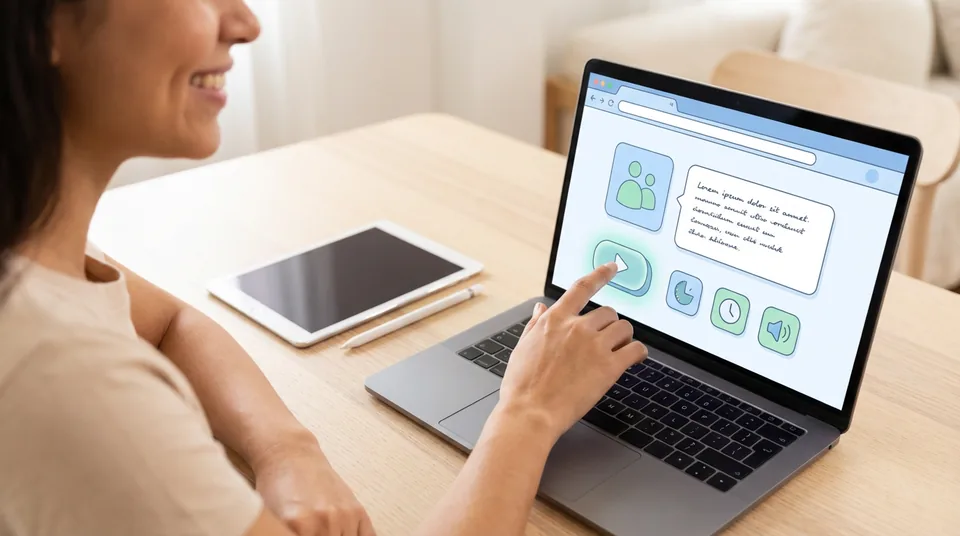
Pick an example, preview the prompt and source media, then choose the clearest action for the result you want.
Creators use the site for quick experiments, remix ideas, and early concept checks.
"AI Try-On Generator makes it easy to start with a visual direction instead of staring at an empty prompt box."
"I can test a concept, change the prompt, and decide if the idea deserves a larger edit."
"The gallery examples help me explain a creative direction before the final output exists."
"The shortest path is the best part: example, prompt, reference, generate."
"Visible credits make experiments feel controlled instead of random."
"It is fast enough for daily content planning and clear enough for client-facing drafts."
AI Try-On Generator focuses on AI try-on images, outfit previews, and fashion video ideas.
AI Try-On Generator is an AI try-on generator for outfit previews, fashion references, model images, and try-on videos. Use source images and examples to explore looks quickly.
You can create AI try-on visuals, remix examples, upload references, write prompts, and use the source gallery as a starting point for new work.
No. Examples help you see structure first. You can start with a working prompt, then adjust subject, style, movement, lighting, or references.
Yes. Uploads and references are part of the workflow when the result needs to follow your own face, product, scene, outfit, character, or brand direction.
Examples reduce hesitation. A user can see a result, understand the prompt and source media, then decide whether to remix or create from scratch.
Yes. The workspace shows credit cost before generation, so testing remains clear.
Yes. The site includes image and video paths so still frames, references, and moving clips can work together.
Usage depends on your plan, source material rights, and applicable model or provider rules. Avoid uploading or publishing content you do not have permission to use.
Create AI try-on visuals from prompts, images, and references.
Create still frames, reference images, concept visuals, thumbnails, and editable starting points for AI Try-On Generator.